For this shoot I got my model to stand in a field with her hands by her sides, I had her wear plain and contrasting colours to give the photograph a more minimalistic feel.
Contact Sheet 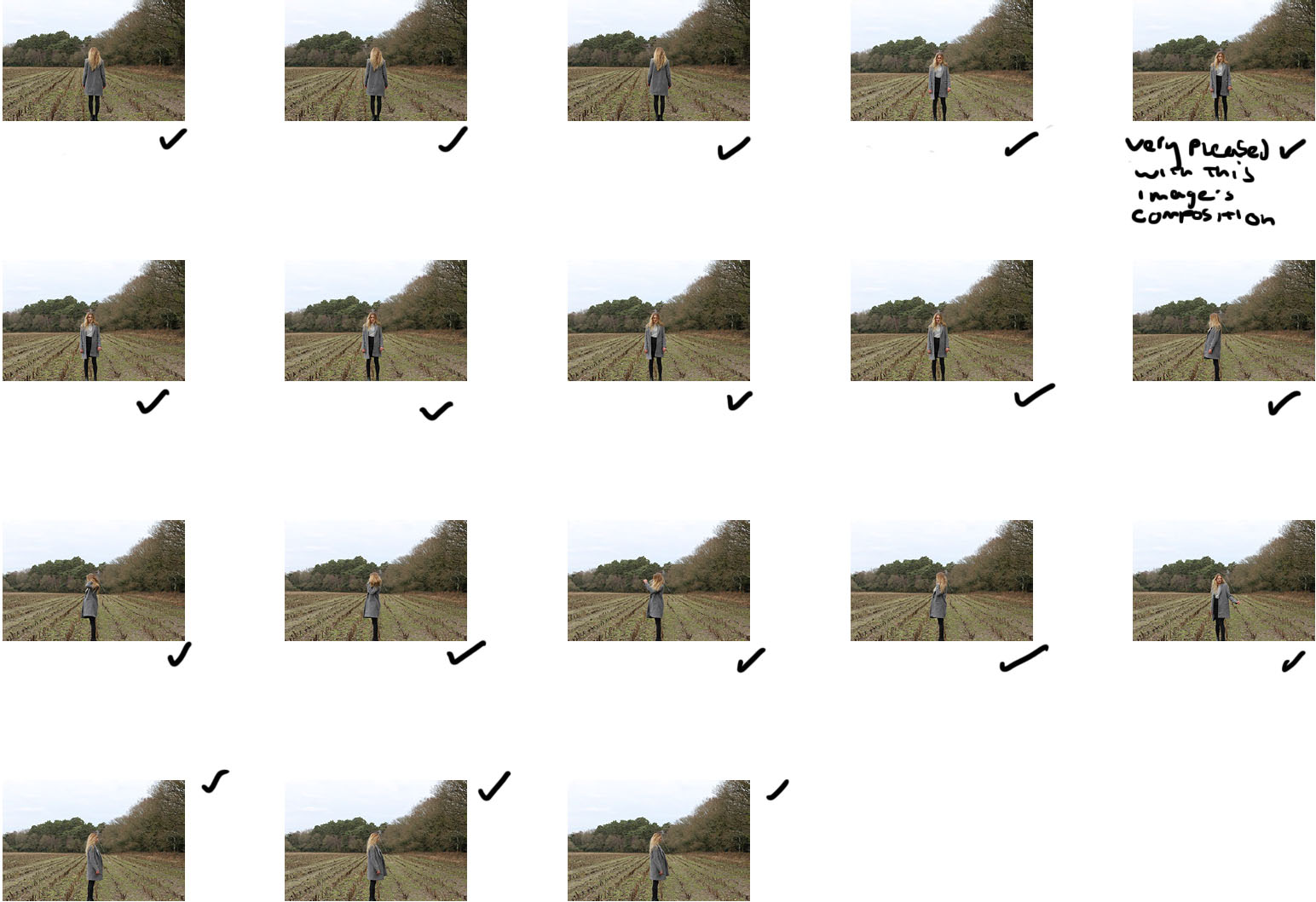
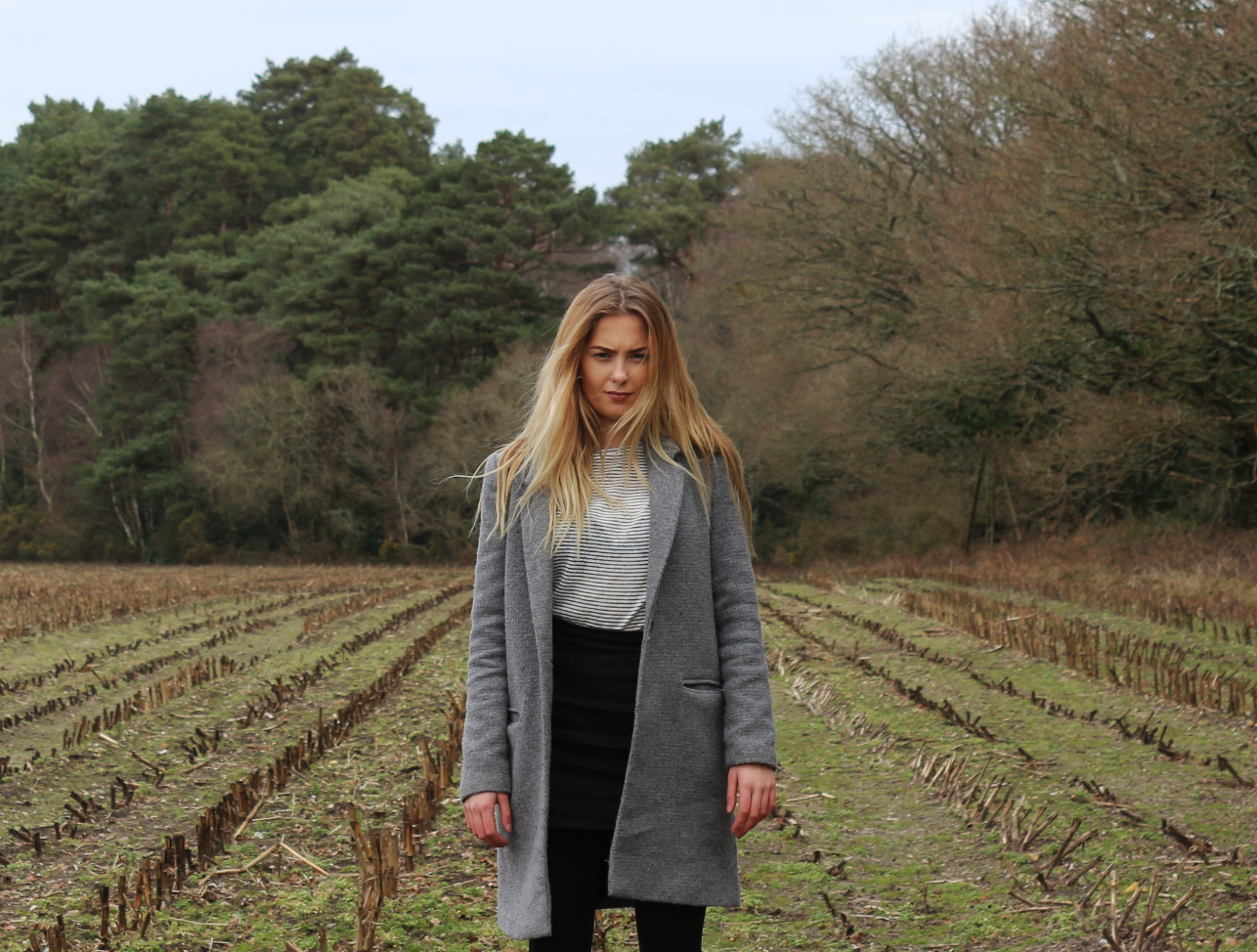
 Here I selected one of the photos in which my model, Carolyn, was facing the camera and looking into the lens.
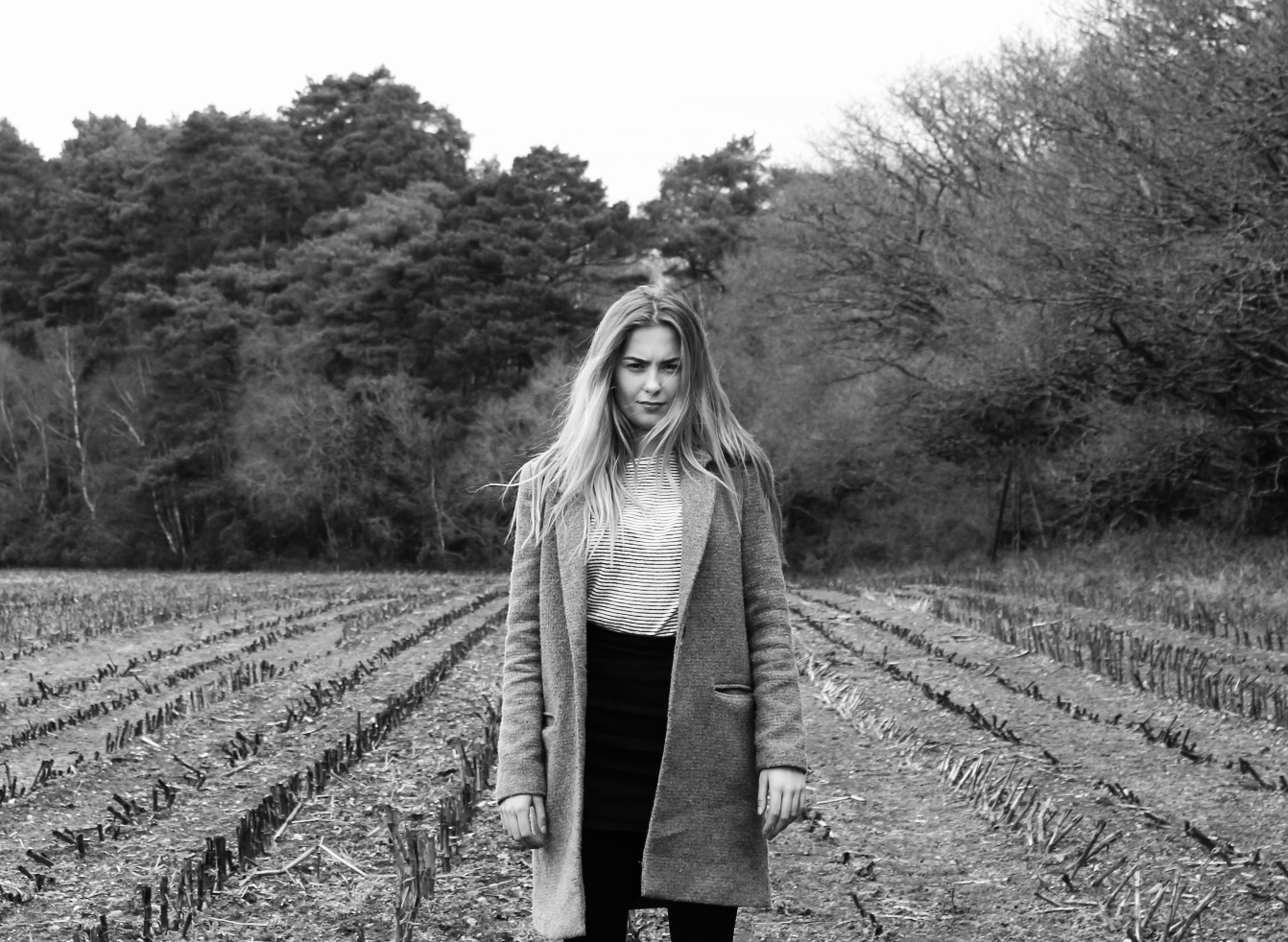
 Here I have used Photoshop to add a greyscale filter to the image before enhancing the tone by adjusting the brightness and contrast as shown in the screenshot below.
As well as producing the edited images above, I also put them through a popular photo sharing app call PHHHOTO, this produces an animated GIF image with the option to add text overlays. The image produced from this shoot can be seen below.
I’m quite pleased with how the above image came out and would like to experiment further with the text overlays on gifs, however I will do it more professionally using better software. After doing a bit of research, I became aware of the ability to create animated GIF images in Adobe Photoshop.
